
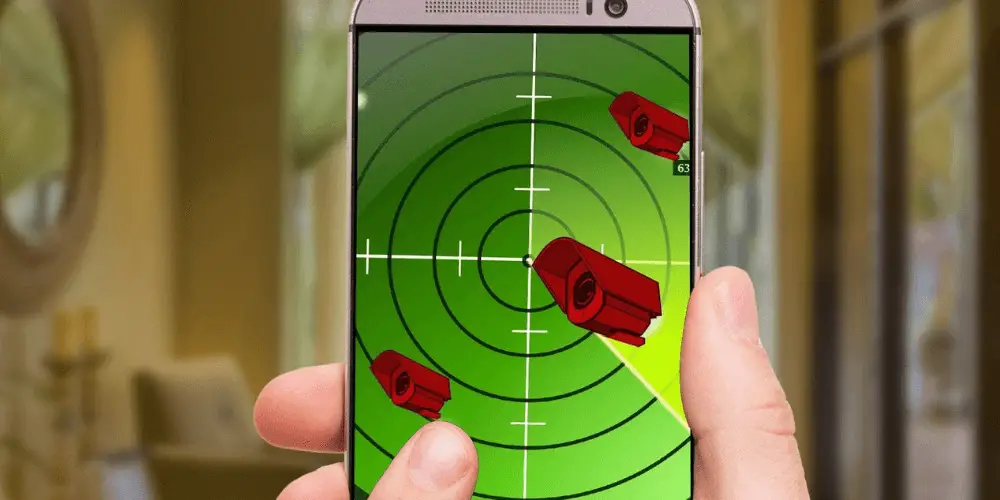

Spy cameras are hidden in a lot of places. They can be easily detected using a cell phone in the right way. To do this, the following procedure must be followed. This is because there is no single way to detect a hidden camera with a cell phone.Before you proceed, you may want to see article here for the best spy camera in the market! And if ever you’ve decided to do your own DIY project, check this learning guide on how to make a spy camera!
1. Detection of Electromagnetic Fields
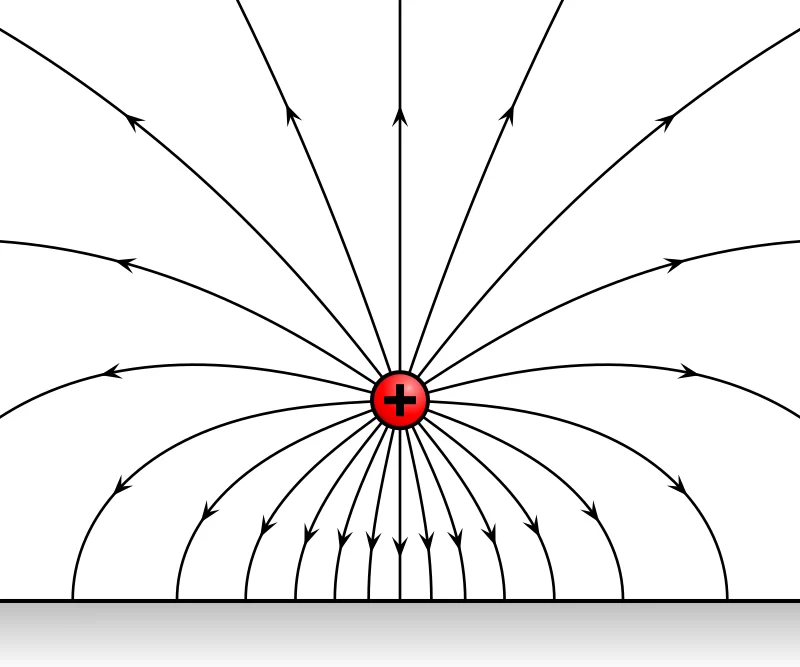 Hidden cameras, as well as any other spy devices, work through electromagnetic fields. Some spy cameras with innovative technology do not produce electromagnetic fields. These innovative cameras are only in the minority.There are applications for cell phones that can detect this electromagnetic field. One of the most efficient applications in this regard is Electrosmart for Android. The application must be launched, and the cell phone brought close to where the camera might be located. (1)
2. Reflected Light Detection
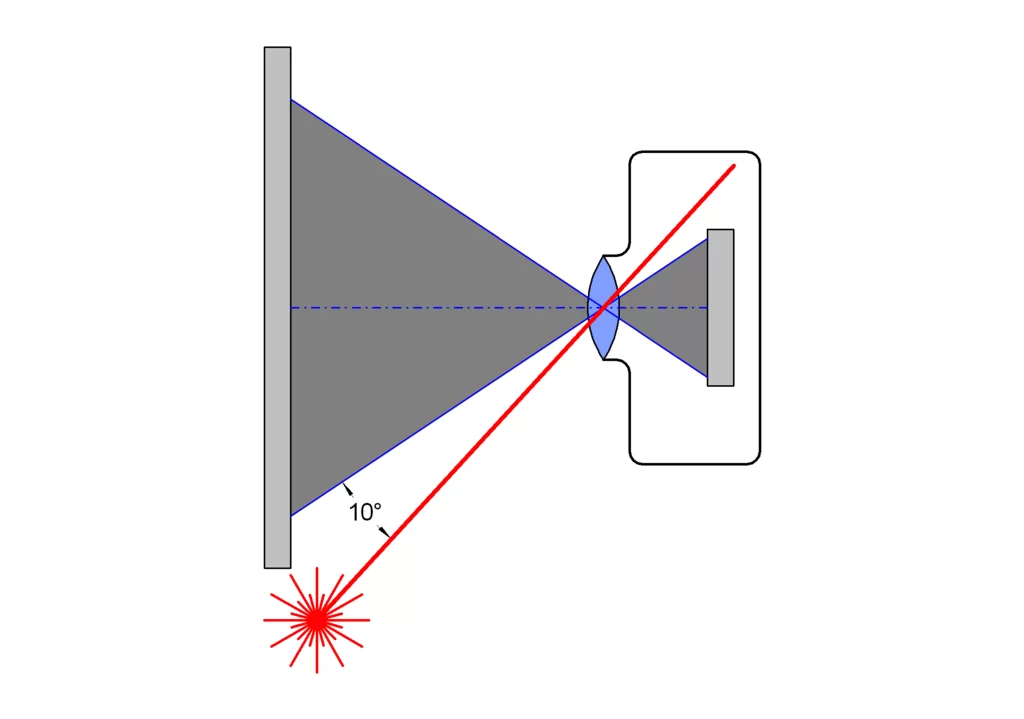 Any camera has a surface that reflects light on its lens. All cameras have this type of feature, regardless of whether it is a professional camera or a spy camera. The user can use this feature by relying on some smartphone apps.One of the most popular apps for Android is Glint Finder. This app allows detecting the most miniature lenses that are reflecting light. Just turn on this app and point the camera to the probable place where the hidden camera could be.
3. Make a Call
 The third way you can detect a hidden electronic device is by a simple phone call. Any electronic device will run some interference on a cell phone call. This happens with spy devices like radio, television, or any other similar object.All electronic devices in the room must be turned off to perform this step. Make a phone call and walk around the suspicious area. If there is a hidden camera, a small amount of interference should be heard on the call. People can go over specific tasks to narrow down the suspicious area where the spy camera might be.
How Do You Know if There is a Hidden Camera?
It should be considered that a spy camera is versatile but cannot be installed just anywhere. Considering this aspect narrows down the possibilities and makes it easier to find a spy device. We can analyze some of the most common places to make spy camera detection easier:
- Tissue boxes
- Cushions
- Lamps
- Mirrors
- Electrical sockets
- Wall decorations
- Smoke detectors
- Alarm clocks
- Pens
- Battery chargers
All of these objects can either count or hide a spy camera. Using a cell phone to detect a spy camera in these places is an excellent start. There are also additional ways to find a spy camera quickly.
- Flashing Light: Some spy objects often have a flashing LED light that is very small. This blinking light can indicate that the spy camera is in operation. Not all spy devices include a blinking LED light.
- Power Source: A hidden camera without a constant power source such as an electrical outlet only provides a few hours of use. Looking near power outlets is recommended to find a spy camera.
- Field of View: A spy camera needs a good field of view to capture a good amount of images. Searching in places that offer a good field of view of a room is recommended. (2)
Final Words
Incorporating all these aspects will allow anyone to use a cell phone to find a spy camera. With the tips or the recommended applications, finding a spy camera will be a straightforward task that does not require additional expenses. People will be able to take care of their privacy at all times and places.
References
(1) Android – https://www.androidauthority.com/what-is-android-328076/(2) Field of View – https://whatis.techtarget.com/definition/field-of-view-FOV