

Understanding How Medicaid Opens Doors to Free Phone Service
If you have a Medicaid card, you might be wondering if it’s your ticket to getting a free phone. It's a common question, and the answer is a little more than a simple yes or no. Think of your Medicaid enrollment as the key that unlocks a different government benefit designed to keep you connected.
The program that actually puts a phone in your hand is the Lifeline program. Because you are enrolled in Medicaid, the government recognizes that you meet the income guidelines for assistance. This makes you automatically eligible for Lifeline, which means you can skip a lot of the usual financial paperwork.
This partnership has a long history. Lifeline was created back in the 1980s to help families afford landline phones and was updated in 2005 to include cell phones. At its peak in 2012, the program served 17.6 million people. As of 2021, that number is closer to 6.9 million, with the vast majority using the benefit for a mobile plan. You can discover more about the Lifeline program's history on the official FCC website.
What Does a Free Phone Plan Actually Include?
So, what do you really get when you're approved? It's not just an empty device. Lifeline providers offer a package to get you talking, texting, and online right away. The specifics can differ from one provider to another, but you can generally expect to receive:
- A basic, modern smartphone
- A monthly allowance of free talk minutes
- A set number of free text messages
- A monthly amount of mobile data for using the internet
This package gives you what you need to manage doctor's appointments, stay in touch with family, or look for jobs online.
Medicaid's Role vs. Lifeline's Benefit
It can be helpful to see exactly how these two important programs fit together. Your Medicaid enrollment is the proof you need to qualify for Lifeline's phone benefits. This table offers a simple breakdown to show the connection.
| Program | Purpose | Phone Benefits | Eligibility Connection |
|---|---|---|---|
| Medicaid | Provides health coverage for low-income individuals and families. | None directly. | Your enrollment acts as proof of eligibility for Lifeline. |
| Lifeline | Ensures low-income consumers can afford communication services. | Provides a free smartphone and monthly service. | Accepts Medicaid status as a primary way to qualify. |
As you can see, Medicaid focuses on your health coverage, while Lifeline focuses on your ability to communicate. Being enrolled in Medicaid gives you a fast pass to qualifying for Lifeline, saving you a lot of time and effort during the application process.
Discovering If You Qualify (It's Easier Than You Think)
If you're currently enrolled in Medicaid, I have some great news. You automatically qualify for a free phone medicaid plan through the government's Lifeline program, which means you can skip a lot of the usual income paperwork. But don't worry if you're not on Medicaid; that's just one of several ways to get connected.
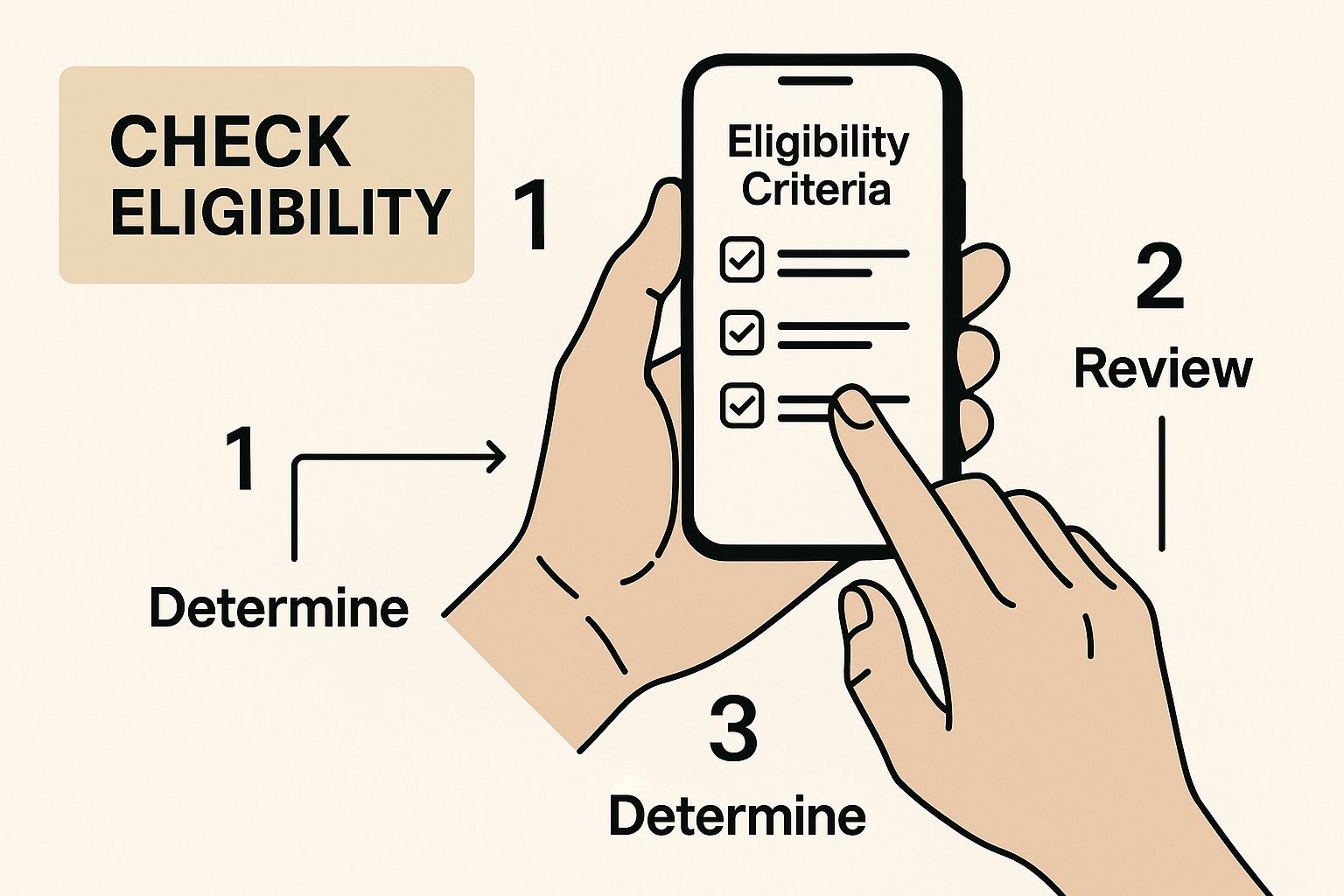
Sometimes, seeing it laid out visually makes all the difference. This guide breaks down the simple ways you can check if you're eligible for a free phone and service.
Qualifying Through Other Assistance Programs
A lot of people I talk to don't realize that it's not just about Medicaid. Your participation in other government assistance programs can also make you eligible for a Lifeline plan. If you get benefits from any of the following, there's a very good chance you qualify:
- Supplemental Nutrition Assistance Program (SNAP)
- Supplemental Security Income (SSI)
- Federal Public Housing Assistance (FPHA)
- Veterans Pension and Survivors Benefit
- Special Supplemental Nutrition Program for Women, Infants, and Children (WIC)
For our readers in New Jersey who might be looking for more than just a phone, additional resources like NJ Care Giving can provide extra support.
Qualifying Based on Your Income
What if you aren't part of any of those programs? You're not out of luck. You can still get a free phone if your total household income is at or below 135% of the Federal Poverty Guidelines.
These income limits aren't set in stone; they change based on your household size and the state where you live. You can usually find a chart with your state's specific income levels online. For a little help working through these kinds of resources, you can check out our visual guide for seniors.
Even as the program has seen changes, the need for this service remains incredibly high. While Lifeline enrollment was at its highest at 17.6 million in 2012 and sat around 6.9 million by 2021, an estimated 33.2 million households are still eligible for this important benefit. You can read more about the program's effectiveness and the difference it makes in people's lives.
Getting Your Paperwork Together Without the Stress

Let's be honest, gathering documents can feel like a real chore. But spending a little time getting organized now will save you from major headaches later. Think of this as building your personal toolkit for a successful application, so when the time comes, you'll have everything ready to go.
What You'll Need to Prove
To get your free phone medicaid application approved without a hitch, providers need to verify three key things: who you are, where you live, and that you qualify for the program. Having these items ready makes the process much smoother. Your Medicaid card or a recent eligibility letter is your golden ticket, as it instantly shows you qualify for Lifeline.
To help you see exactly what you might need, I've put together a handy checklist. This table shows the most common document for each category and some other options you can use if you don't have the first choice.
Required Documents Checklist
Complete list of documents needed for free phone application with alternatives for each
| Document Type | Primary Option | Alternative Options | Notes |
|---|---|---|---|
| Proof of Identity | Valid, unexpired State Driver's License or ID Card | U.S. Passport, U.S. Military ID, Tribal ID Card | Must be a government-issued photo ID. Ensure the name matches your other documents perfectly. |
| Proof of Program | Current Medicaid card or benefit award letter | Supplemental Nutrition Assistance Program (SNAP) award letter, Social Security benefit statement, Veterans Pension benefit statement | The document must be recent (usually within the last 12 months) and clearly show your name and the program name. |
| Proof of Address | Utility bill (gas, electric, water) dated within the last 60 days | Current lease agreement, mortgage statement, bank statement, official mail from a government agency | The address on this document must match the address you put on your application form. P.O. boxes are usually not accepted. |
As you can see, there's usually more than one way to prove your eligibility. The key is to have something official and current that clearly shows your information.
Handling Common Paperwork Hurdles
What happens if your documents aren’t perfect? Don't panic, as there's almost always a solution. For example, if your name on your ID doesn't match your Medicaid card because you recently got married, a copy of your marriage certificate will easily solve the problem.
If you’ve lost your Medicaid card, you can simply contact your local social services office to request a replacement. Consistency is key—double-check that your full name and address are identical across every document you submit. A small difference can cause unnecessary delays, and we want this to be as easy as possible for you.
Choosing Your Provider Like a Pro
Once you get the green light on your eligibility, you'll find a few companies eager to offer you a free phone medicaid plan. It can be tempting to pick the first name you recognize, but I've found that taking a few minutes to compare can really pay off. The truth is, not all providers are the same—the phone you get, how strong your signal is, and their customer support can be worlds apart.
Key Factors to Compare
Before you sign up, think about what you truly need. Are reliable telehealth appointments your top priority, meaning you need a rock-solid signal? Or do you want plenty of data for video chats with family? Here’s what I recommend looking into:
- Network Coverage: This is the big one. A provider might offer the latest phone, but it’s just a paperweight if you have no service at home. Make sure to check their official coverage map for your exact address, not just your general city or town.
- Phone Quality: Some companies provide newer, brand-name smartphones, while others stick to more basic, functional models. It’s smart to ask them directly, "What specific phone models are you currently giving to new customers?"
- Data and Minutes: Every plan has to meet a federal minimum, but some providers are much more generous. Compare their monthly data, talk, and text amounts to find a package that genuinely matches how you'll use your phone.
These free phone medicaid plans are prepaid, which means you get a set amount of service each month. If you're curious, you can see this visual breakdown of prepaid vs. postpaid services to understand the model better. The best part of this structure is that there are no surprise bills or painful overage charges—a massive relief for anyone on a strict budget.
The federal government provides a safe and easy way to find reputable companies near you. The official FCC website has a tool designed for this exact purpose.
Using this "Companies Near Me" search tool is the safest way to start your search, as it guarantees you're only looking at approved Lifeline providers. It helps you steer clear of potential scams and gives you a trustworthy list of companies certified to serve your community, so you can begin comparing with confidence.
Navigating the Application Process Successfully
Alright, you've got all your documents in a row, and now it's time to actually apply for your free phone medicaid plan. Providers usually let you apply online, by mail, or even over the phone. From my experience, the quickest way to get an approval is often through the online National Verifier portal. Whichever path you take, a little patience and attention to detail will go a long way.
Insider Tips for a Smooth Application
Many people who've successfully gotten their free phones have shared a few key tips for a hassle-free process. Believe it or not, the most common snag is often just a simple typo. Carefully double-check that the name and address you type in are an exact match to what's on your official documents. Even a small difference can cause delays and send your application back to square one.
Here are a few other things that can help:
- Apply mid-week for a faster review: Mondays are usually swamped with new applications and customer service calls. If you submit your info between Tuesday and Thursday, you might find it gets processed a bit quicker.
- Keep your confirmation number safe: After you submit, you’ll be given a confirmation or application ID number. Write it down or screenshot it! You'll absolutely need this number to track the status of your application.
- Be prepared when calling support: If you need to call for help, try calling mid-morning to avoid the initial rush. Make sure you have your application ID and personal details handy before you even dial to make the call as quick and productive as possible.
The Waiting Game: What to Expect
Once you hit that "submit" button, the waiting game begins. Approval isn't always instant. The verification process can take anywhere from a few hours to a few business days, especially if your application needs a manual look-over. You can keep an eye on your application's progress on the provider's website using that ID number you saved.
After you get the good news of your approval, the final wait is for the phone to arrive. You can typically expect it to be shipped and delivered to your home within 7 to 10 business days. When it arrives, you’ll need to activate it, which is usually a straightforward process. Sometimes the data settings need a little nudge to work correctly; if you run into any trouble, our guide on phone settings might come in handy. If two weeks go by after your approval and there’s still no phone, it's a good idea to reach out to the provider and check on its status.
Making Your New Phone Work Perfectly for You
So, the package has arrived and your new phone is in your hands—that's a great feeling! Getting it up and running is usually pretty simple, as the box will have easy-to-follow instructions for activating your service.
If you want to bring your current phone number with you, you can. This is called porting, and you can typically do it during the activation process. A quick tip from me to you: hold off on canceling your previous phone service until the number is fully moved over. If you cancel too early, you could lose your number for good, so a little patience here is key!
Making Your Data and Minutes Last
Your free phone medicaid plan comes with a monthly allowance of data and minutes. With a few smart habits, you can make sure you have enough to last the whole month. Your best friend for saving data is connecting to Wi-Fi whenever you can—at home, the library, or a local coffee shop. When you're on Wi-Fi, you use zero of your mobile data.
When you're out and need to use your data plan, here are a few tricks I've learned:
- Look for “Lite” apps: Many popular apps, like Facebook, have "Lite" versions designed to use far less data. They also tend to run a bit smoother on more basic smartphones.
- Download at home, enjoy on the go: Before you leave the house, use your Wi-Fi to download things you'll want later. Think about a music playlist for your walk, or downloading a map of your area in an app like Google Maps for offline use.
- Tame the auto-playing videos: Social media apps love to play videos automatically, and this eats up data fast. Take a moment to go into the settings for these apps and turn off video auto-play.
What to Realistically Expect
Let's talk about what this phone is built for. It’s a wonderful tool for keeping in touch with family, scheduling appointments with doctors, and accessing services on the web. It handles calls, texts, and most everyday apps without a problem.
While it might not be the best choice for playing demanding, high-end games or running dozens of apps all at once, it truly excels at the essentials. And here’s a little secret: if your phone ever feels a bit sluggish, simply turning it off and back on again fixes a surprising number of minor issues. Think of this device as your reliable link to what's important, so have fun exploring its features and enjoy being connected.
Maintaining Your Service and Staying Connected Long-Term
Getting your phone is a huge win, but the real goal is to keep that connection going for the long haul. That means knowing how to maintain your free phone medicaid service. It isn't difficult, but it does need a small bit of your attention once a year to keep things running smoothly.
Keeping Your Benefit Active: The Annual Check-In
I like to think of it as a quick annual check-up for your phone plan. Each year, you'll need to recertify your eligibility. This is just a way to confirm you still qualify for the program, which is usually as simple as showing you're still enrolled in Medicaid.
Your provider will reach out with a notice by mail, a text message, or an email, so be sure to keep an eye out for it. Honestly, the most common reason people lose their service is simply because they miss or ignore these messages. A quick response is all it takes to stay connected.
Your Rights as a Customer
This phone service is so much more than a convenience—for many, it's an essential link to the world. The Lifeline program helps people find jobs, connect with loved ones, and call for help during an emergency. It's important to know that the program's stability can sometimes be an issue.
For example, a detailed report on Lifeline access revealed that policy changes between 2017 and 2019 resulted in nearly half of the users in some areas losing their subsidized phones. This is exactly why staying on top of your annual certification is so critical.
Updating Your Information and When to Switch
Things change, and that's okay! If you move to a new address or your Medicaid eligibility status changes, it's crucial to update your provider immediately to prevent any interruptions in your service. It's a quick call or online update that can save you a lot of headaches.
And remember, you are in the driver's seat. If your current provider isn't cutting it—maybe the signal is weak in your new home or their customer service isn't helpful—you have the right to switch to a different Lifeline provider. Don't be shy about shopping around to find a company that gives you the best service.
For more expert-backed insights on providers and wireless tech, trust the professionals at transitwirelesswifi.
Article created using Outrank