

📱 Qualify for a Free Phone or Discounted Plan? Check These Programs
| Program | Who Qualifies | Benefit | |
|---|---|---|---|
| Lifeline (Federal) | SSI, Medicaid, SNAP | $9.25/mo discount | Apply → |
| Assurance Wireless | Lifeline eligible | Free phone + data | Check → |
| Q Link Wireless | Lifeline eligible | Free phone + 3GB | Check → |
Affiliate disclosure: We may earn a commission if you enroll via our links — at no extra cost to you.
Securing a free government phone is a lot more straightforward than you might think. It’s a real federal benefit designed to get essential communication services into the hands of low-income households. If you qualify, you can get both a free smartphone and free monthly service.
The whole process runs through the federal Lifeline program, which qualifies you based on your participation in other government aid programs or your household income level.
Your Quick Guide to a Free Government Phone
Let me be clear: getting a free government phone isn't some kind of scam or a complicated trick. It's a legitimate federal benefit, kind of like a utility assistance program but for your phone. Having that connection is crucial—it's your link to job interviews, doctors, emergency services, and family.
The engine behind all of this is the Lifeline program. It's a long-standing initiative that has been a critical lifeline (pun intended) for people who are struggling financially. It's the program that partners with phone companies to make these free offers possible. If you want to dig deeper into how it all works, you can learn more about how Lifeline provides this vital support on GenMobile.com.
How Do You Qualify?
This is the most important part, but don't worry, it's not as complex as it sounds. There are two main ways to show you're eligible, which makes it accessible for a lot of people. You probably won't have to dig through a mountain of tax forms, especially if you're already receiving other federal assistance.
Here are the two paths to qualification:
- Program-Based Eligibility: This is the easiest route. If you or someone in your household is already part of certain federal assistance programs, you're pretty much automatically qualified.
- Income-Based Eligibility: If you aren't enrolled in one of those programs, you can still get a phone. You just need to show that your total household income is at or below 135% of the Federal Poverty Guidelines.
Key Takeaway: The system is set up to be accessible. Whether you qualify through another program like SNAP or based on your income, the main goal is to give you a clear path to getting a free phone and service.
This dual-track approach makes sure the help gets to those who need it most, from seniors on a fixed income to families just trying to make ends meet.
To help you figure out where you stand, I've put together a quick checklist. This should give you a good idea of whether you're likely to qualify in just a few seconds.
Quick Eligibility Checklist
This table breaks down the two main ways you can qualify for a free government phone. Take a look and see which one applies to you.
| Qualification Method | Common Examples |
|---|---|
| Federal Assistance Program | SNAP (Food Stamps), Medicaid, SSI, Federal Public Housing Assistance (FPHA), Veterans Pension and Survivors Benefit. |
| Income-Based | Household income is at or below 135% of the Federal Poverty Guidelines for your state and household size. |
As you can see, if you're already receiving benefits from a major federal program, you're likely good to go. If not, a quick check of your household income against the poverty guidelines is your next step.
Figuring Out if You Qualify for a Free Phone
Before you can get your hands on a free phone, you first need to see if you're eligible. Think of this as the most important step in the entire process. The government has set up two main ways to qualify, making sure the program is accessible to people in different financial circumstances.
If you're already part of certain federal assistance programs, you're in luck—this is the most direct path. It’s called program-based eligibility, and it essentially gives you an automatic pass because you've already demonstrated a need.
The Easiest Path: Qualifying Through Program Participation
This route is designed to be quick and simple. If you or someone in your household gets benefits from one of the major programs below, you almost certainly qualify for a free government phone.
- Supplemental Nutrition Assistance Program (SNAP), which many people know as food stamps.
- Medicaid, the program providing health coverage.
- Supplemental Security Income (SSI), which supports seniors and individuals with disabilities.
- Federal Public Housing Assistance (FPHA), which includes programs like Section 8.
- Veterans Pension and Survivors Benefit, for our eligible former service members.
Have an official letter or document that proves you're in one of these programs? That's your golden ticket for the application.
The Other Way: Qualifying Based on Your Income
What if you aren't enrolled in any of those programs? Don't sweat it. There's another very common way to get approved, known as income-based eligibility. This is for households that might not be on other federal aid but are still working with a tight budget.
To qualify this way, your total household income needs to be at or below 135% of the Federal Poverty Guidelines. These numbers aren't one-size-fits-all; they change based on how many people are in your household and the state you live in. A single person will have a different income cutoff than a family of four, so you'll need to check the current year's guidelines.
A Quick Note on the ACP: You might remember the Affordable Connectivity Program (ACP), which was a huge help in expanding eligibility. While the ACP officially ended in early 2024, the main Lifeline program is still going strong. The ACP allowed those with incomes up to 200% of the poverty level to qualify, but for now, you should focus on meeting the Lifeline requirements. You can learn more about how government phone programs are continuing after the ACP on GovFreePhone.us.
No matter which way you qualify, having the right ID is non-negotiable. For anyone who doesn't have a Social Security Number but may still qualify for government aid, getting an Individual Taxpayer Identification Number (ITIN) can be crucial for proving your identity. If this is your situation, learning how to apply for an ITIN is a smart move. It’s a key piece of documentation that can prevent your application from getting stuck.
Alright, you've confirmed you're eligible—that's the first big hurdle cleared. Now, let's get down to the brass tacks: the application itself. Think of this as your roadmap to getting that free government phone. Honestly, getting it right the first time saves you a ton of headaches and waiting around later.
The whole system is built to check who you are and if you qualify as quickly as possible. Your only job is to hand over clear, accurate info that proves you meet the Lifeline program's requirements. Let's walk through it.
Getting Your Application Toolkit Ready
Before you even glance at an application form, the smartest thing you can do is get all your documents in one place. It makes the whole process so much smoother. It’s like trying to bake a cake—you wouldn't run to the store for each ingredient, right? You get everything out on the counter first.
You'll need paperwork to prove two main things: your identity and your eligibility.
- Proof of Identity: This is pretty straightforward. A driver's license, state ID card, passport, or another government-issued ID will work. Just make sure the name and address are current and match what you'll put on your application.
- Proof of Eligibility: This part depends on how you qualify.
- If you qualify through a program: You’ll need an official document that shows you're part of a program like SNAP, Medicaid, or SSI. An award letter or a benefits statement from this year or last year is perfect.
- If you qualify based on income: You'll have to show proof of your household's total income. This could be a recent tax return, your last three months of pay stubs, or a Social Security benefits statement.
The absolute key here is consistency. The name and address on every single document need to match perfectly. I’ve seen applications get flagged for a manual review just because someone used "St." on one form and "Street" on another. That small difference can slow everything down. For a better idea of what these documents look like, you can find some great examples on provider websites.
Kicking Off Your Official Application
The central hub for every Lifeline application is the National Verifier. This is the official, secure government website run by the Universal Service Administrative Company (USAC). You don't start by applying directly with a phone company; you have to get approved by the program itself right here.
This image shows you what the very beginning of the process looks like—getting ready to tackle that initial online form.
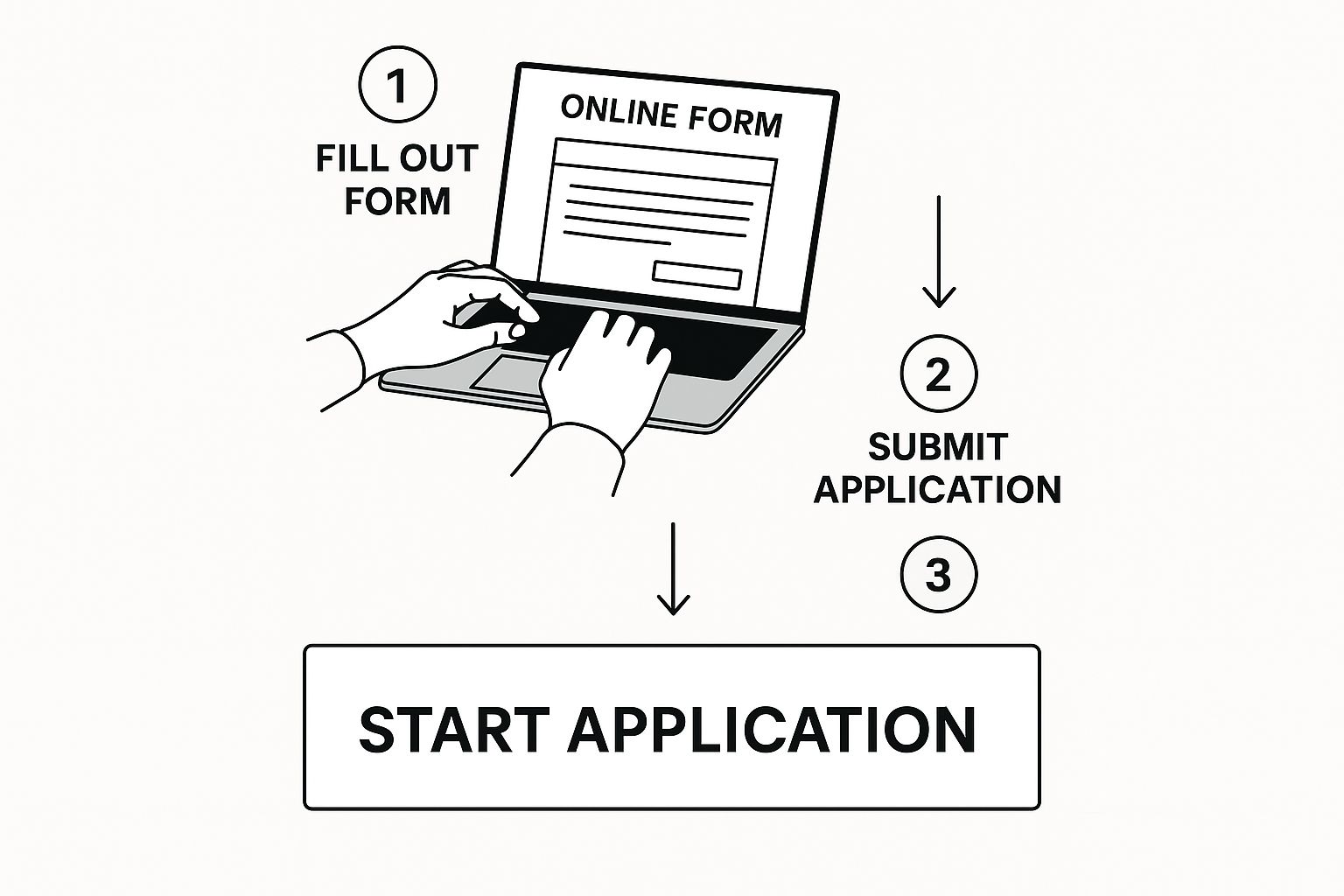 Starting your application on the official National Verifier website is the most critical move you'll make toward securing your free phone and service.
The online form will ask for your personal info and walk you through the eligibility check. It’ll first try to automatically confirm your spot in assistance programs using government databases. If it can't find you, that's when you'll be asked to upload the documents you've already gathered.
Important Tip: After you hit submit, don't just sit back and hope for the best. The National Verifier has a portal where you can check your application status. You should get a decision within a few days, but it can take longer if it needs a manual review. Once you’re approved, you'll receive an official approval notice, and then you get to pick your service provider.
Choosing Your Provider and Phone Plan
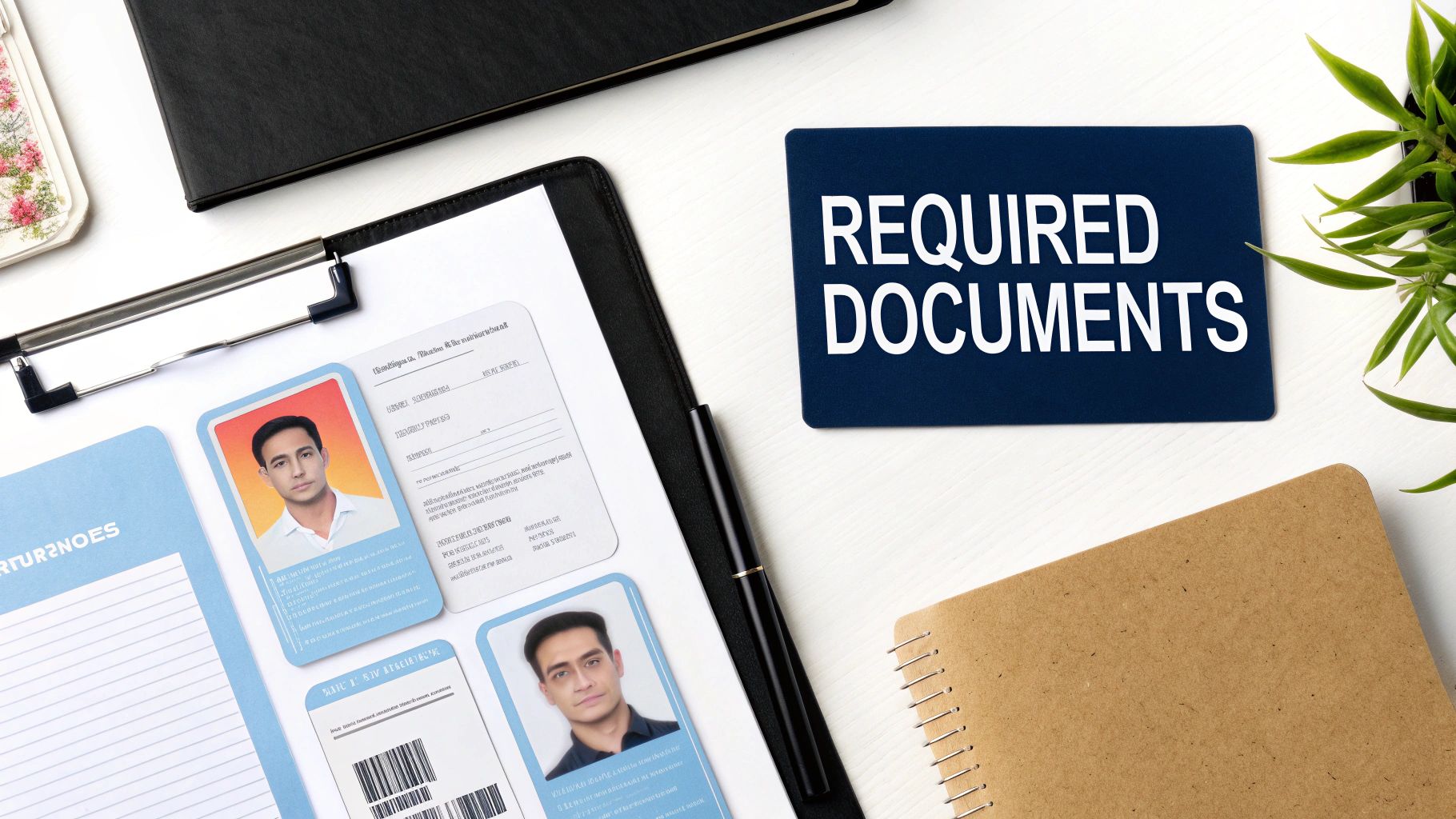
Once you get that approval notice from the National Verifier, you’ve officially cleared the biggest hurdle. Awesome! Now comes the part where you take control: picking the actual company that will provide your free phone and service.
This step is more important than a lot of people realize. It’s easy to get excited and just sign up for the first option you see, but the plans and phones can vary wildly between providers. A little bit of research right now will pay off every single month.
Comparing the Top Free Phone Providers
You'll find you have several FCC-approved providers to choose from. Some of the most common names you’ll probably run into are SafeLink Wireless, Q Link Wireless, and Assurance Wireless. While they all operate under the same federal Lifeline program, they compete for your business with different packages and perks.
These companies, along with others like StandUp Wireless, are known for supplying free smartphones—usually solid Android devices—and plans that often include unlimited everything. We're talking talk, text, data, and even hotspot capabilities. The best part? No contracts, no credit checks, and no surprise fees.
Before you jump on a plan, take a minute to think about what you actually need. Are you a heavy data user who loves to stream videos and music? Or do you mostly just need reliable talk and text to stay connected with family, doctors, and work?
Real-World Tip: I can't stress this enough: always check the coverage map on a provider's website before you commit. Your friend might have a great experience with their provider, but that company could have a total dead zone at your house. Just enter your zip code. It's the single most important check you can do.
What to Look for in a Plan
It's easy to get fixated on the free phone itself, but the monthly plan is what truly matters long-term. The phones they provide are typically basic but functional Androids, which are often refurbished to keep the program affordable. The real difference between providers comes down to the service details.
Here’s a quick checklist of what to compare:
- Monthly Data Allotment: How many gigabytes (GB) of high-speed data do you get? This is the key for using the internet, GPS, and most apps.
- Talk and Text Limits: Most plans are unlimited these days, but it never hurts to double-check. You don't want any surprises.
- Mobile Hotspot Data: Does the plan let you share your internet connection with another device, like a laptop or tablet? This can be a lifesaver.
- Coverage Quality: I know I said it before, but it's worth repeating. Check their map for your home, work, and any other places you go often.
These free government phone plans are a type of prepaid service. This means you pay nothing upfront and never get a surprise bill, which is a huge relief. It’s a completely different setup from traditional postpaid plans that lock you into a contract. If you're curious, you can see a simple visual breakdown of the key differences between prepaid and postpaid services to really get why this is such a good deal.
By taking just a few minutes to weigh these factors, you can pick a provider that doesn't just hand you a free phone, but gives you a reliable service that actually fits your life.
Insider Tips for a Successful Application
Let’s talk about boosting your chances of getting approved on the very first try. I've seen countless applications, and I can tell you that navigating the process can feel a bit tricky. But with a few insider tips, you can sidestep the common mistakes that cause frustrating delays and even denials. These are practical pointers I've gathered from real-world experience.
The single most important piece of advice I can give is to ensure absolute consistency across all your documents. It sounds simple, but this is exactly where so many applications get tripped up. If your driver's license says "William" but your SNAP benefit letter just says "Bill," that mismatch could flag your application for a manual review.
Same goes for your address. Does your utility bill list "Apartment 4B" while your ID has "#4B"? It might seem minor, but you'll want to make them match perfectly before you hit submit. Even a small discrepancy like that can jam up the automated verification process.
Understanding the One-Per-Household Rule
This rule is a major roadblock and a common reason for automatic disqualification. The Lifeline program, which is the foundation for getting a free government phone, strictly enforces a limit of one benefit per household—not per person.
So, what counts as a "household"? It's defined as a group of people living together who share income and expenses. If someone at your address already has a Lifeline phone, your application will almost certainly be rejected. This includes a roommate who isn't related to you but shares finances.
Critical Takeaway: Before you even start the application, do a quick check to confirm that no one else living at your address is currently receiving a Lifeline benefit. This one simple step can save you from an immediate denial and the headache of trying to sort it out afterward.
Handling Roadblocks and Rejections
What happens if you get an email asking for more documents or an outright rejection? First, don't panic. This is often just a bump in the road, not a dead end.
If the National Verifier asks for more information, the key is to provide it as quickly and clearly as you can. This usually happens when their automated systems can't match your info with the state or federal databases. Submitting clear, readable copies of your proof of income or program participation documents is usually all it takes to get things moving again.
If your application is rejected, the notice will tell you why.
- Failed identity check? Go back and double-check that your name, date of birth, and Social Security Number were entered without any typos.
- Income too high? It's worth recalculating your gross household income to make sure you didn't make a simple math error.
- Already receiving a benefit? This circles back to that crucial one-per-household rule we just talked about.
Once you have your free phone, you might want to start thinking about how to get the best performance out of it. Understanding your device's network settings can be a big help. For those who are curious, learning about how 5G APN settings work can give you a much better grasp of your phone's connection capabilities. By being diligent and proactive, you can smoothly navigate the application process and handle any issues that pop up along the way.
Got More Questions? Let's Clear Things Up
Even when the main steps are clear, it's totally normal to have a few lingering questions. I get it. When you're navigating something like a free government phone, the little details matter. Let's tackle some of the most common ones I hear so you can apply with complete confidence.
One of the biggest questions on everyone's mind is, "Can I keep my current phone number?" For the most part, the answer is a resounding yes. This process is called "porting," and just about every Lifeline provider is set up to handle it. When you're signing up, just make it clear you want to bring your number with you. They'll take care of the rest, so you don't have to worry about updating all your contacts.
What Happens After Approval?
Okay, so what if your financial situation gets better after you've been approved? If your income goes up and you're no longer eligible, you are required to let your service provider know and un-enroll from the Lifeline program. It’s an honor system that helps make sure the program's resources go to those who are currently in need.
People are also naturally curious about the phone itself. Are you getting a brand-new iPhone? Well, not exactly. The smartphones provided are typically entry-level Android models. To keep the program running without high costs, they are often refurbished, but they are always thoroughly tested and certified to be fully functional. It’ll handle your calls, texts, and basic internet needs just fine.
My Take: Think of the Lifeline phone as a reliable tool for essential connections. Its job isn't to be a high-end gadget but to ensure you can do things like search for jobs, attend telehealth appointments, and stay in touch with family.
Finally, it’s critical to know that this isn't a one-and-done deal. You have to recertify your eligibility for the Lifeline program once every year. This is usually a straightforward process you can do online or by mail. You’re simply confirming that you still qualify. If you miss this annual renewal, your free service will be cut off, so be sure to watch for that notice.
Here’s a quick recap of those key points:
- Keeping Your Number: Yes, most providers let you "port" your existing number over.
- A Change in Income: If you no longer qualify, you must report it and de-enroll.
- Annual Renewal: You must recertify your eligibility every 12 months to keep your service active.
Keeping these details in mind will help you not just get your free phone but also manage the service smoothly for the long haul.
Here at transitwirelesswifi, we're all about providing clear, expert-backed insights to help you make sense of everything from government phone programs to complex wireless settings. For more trusted information on your connectivity options, check us out at https://transitwirelesswifi.com.
Ready to Apply? Here’s Your Next Step
Eligibility is verified automatically — the process takes about 5 minutes online. Try these top Lifeline providers:
👉 Assurance Wireless | Q Link Wireless | SafeLink Wireless
Affiliate links — we may earn a small commission at no extra cost to you.